
Your cutting machine sits idle while the team searches for the right L‑section. Wrong size. Wrong cut list.
You improve efficiency by standardizing sizes and nesting rules, creating accurate bills of materials (BOMs), using JIT delivery and phased ordering, and preparing your workshop layout and tools before steel arrives.
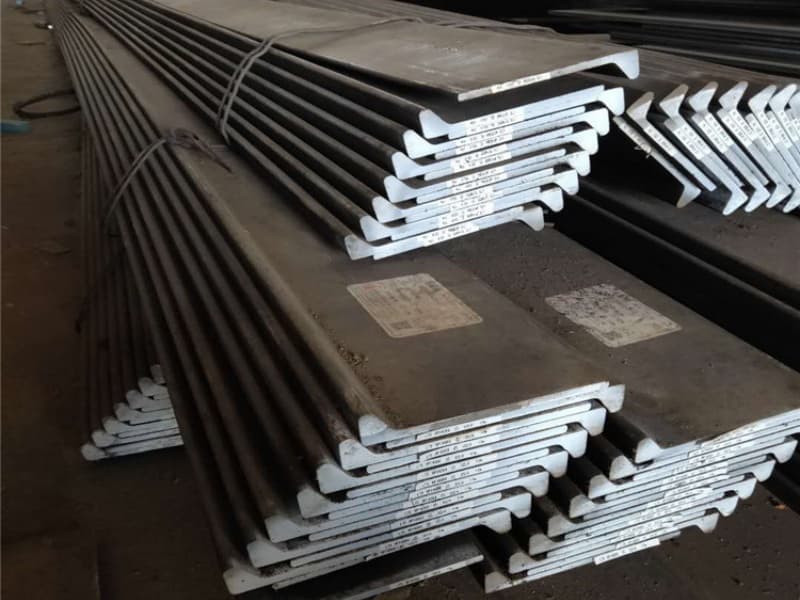
I have watched shipyards waste hours every day on poor L‑section planning. The steel arrives. No one knows what to cut first. The welders wait. The schedule slips. Then I see other yards that run like clockwork. Their secret is not more workers or better machines. It is better planning. Let me walk you through the four steps that save time and money.
How Can Standardizing L‑Section Sizes and Nesting Rules Reduce Cutting Waste and Setup Time?
Your design uses L100x100x10 on one vessel and L95x95x9 on the next. Your saw has to be re‑set every time.
Standardizing means picking a small set of L‑section sizes that cover most of your needs. Nesting rules mean grouping cuts to use the full length of stock. Together, they reduce the number of machine setups, cut scrap waste, and speed up production.

How one shipyard cut saw setup time by 60%
I worked with a shipyard in Thailand. They used 15 different L‑section sizes. Their saw operator spent 30% of his day changing blade speeds, feed rates, and measuring stops. Then they standardized to 6 sizes. Setup time dropped to 10% of the day. They also started nesting cuts on paper before touching the steel. Scrap went from 12% to 7%.
So let me show you how to do it.
First, pick your standard sizes. Look at your last two years of usage. Pick the 5‑8 sizes that appear most often.
| Standard Size | How Often Used | Instead Of These Similar Sizes |
|---|---|---|
| L75x75x8 | Daily | L70x70x7, L80x80x8 |
| L100x100x10 | Daily | L95x95x9, L102x102x11 |
| L125x125x12 | Weekly | L120x120x11, L130x130x12 |
| L150x150x15 | Weekly | L140x140x14, L160x160x16 |
| L200x200x20 | Monthly | None – keep as is |
Second, apply simple nesting rules. Before you cut any steel, plan how to fit the required part lengths into your stock lengths (usually 6m, 9m, or 12m).
| Rule | Example |
|---|---|
| Sort parts from longest to shortest | 5.2m, 4.1m, 3.3m, 2.8m, 1.2m |
| Fit longest parts together first | 5.2m + 4.1m = 9.3m (waste 2.7m on a 12m bar) |
| Try different combinations | 3.3m + 2.8m + 2.8m + 2.8m = 11.7m (waste 0.3m) |
A simple nesting software (costs $500‑$1000) does this automatically. It pays for itself in a few months.
Third, reduce setup time by grouping cuts by size. Do not cut L100x100x10, then L75x75x8, then L100x100x10 again. Group all L100 cuts together.
| Poor Sequence | Good Sequence |
|---|---|
| L100 (15 cuts) → L75 (8 cuts) → L100 (10 more cuts) | L100 (25 cuts) → L75 (8 cuts) |
| Saw adjustments: 3 times | Saw adjustments: 2 times |
Each adjustment takes 5‑10 minutes. Over a week, that adds up to hours.
Fourth, measure the savings.
| Area | Before Standardization | After Standardization |
|---|---|---|
| Number of sizes | 15 | 6 |
| Saw setup changes per week | 40 | 15 |
| Scrap rate | 12% | 7% |
| Cutting time per 100 tons | 40 hours | 28 hours |
30% faster cutting. 5% less material waste. That is real efficiency.
Your standardization checklist
- You have reduced your L‑section size list to 5‑8 standard sizes
- You use nesting rules (or software) to plan cuts before cutting
- You group cuts by size to reduce saw adjustments
- You track scrap rate and look for improvements
I keep stock of the standard sizes above. My clients who standardize get faster delivery and lower prices.
What Role Does Accurate Bill of Materials (BOM) Planning Play in Avoiding Shortages and Rework?
You order L100x100x10. The BOM says 200m. The actual need is 220m. You run out.
An accurate BOM – listing every L‑section, its size, grade, length, and quantity – is the foundation of efficient projects. It prevents shortages (ordering too little) and overages (ordering too much). It also lets you plan cuts and nesting before the steel arrives.
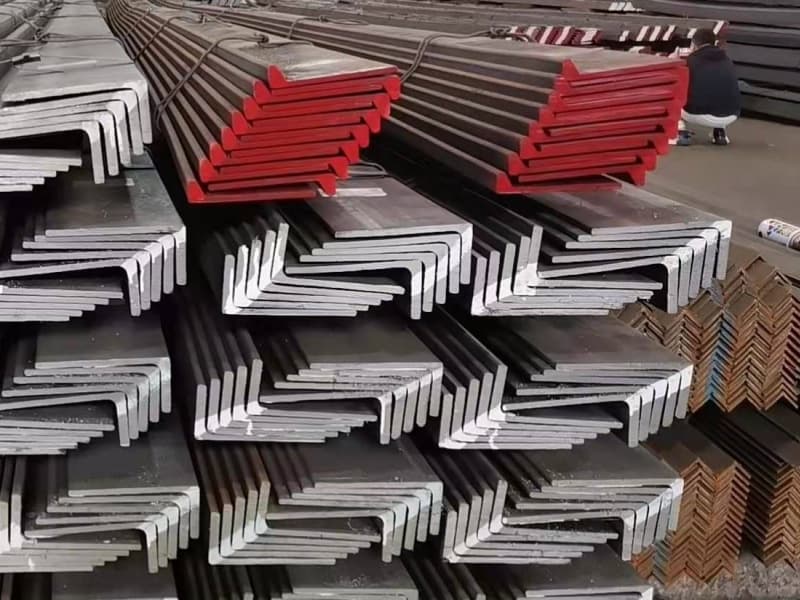
The BOM error that cost 10 tons of extra steel
I had a client in Vietnam. Their BOM for a fishing vessel did not include the L‑sections for the superstructure. They only ordered for the hull. When they got to the superstructure, they ran out. They had to place an urgent order – 10 tons of L75x75x8 at a 20% premium. That error cost them $1,400 extra plus a 10‑day delay.
So let me explain how to build and use an accurate BOM.
First, what a good BOM for L‑sections looks like.
| Section Mark | Size | Grade | Length per piece (m) | Number of pieces | Total length (m) | Weight (kg) | Location |
|---|---|---|---|---|---|---|---|
| FR‑10 | L100x100x10 | AH36 | 6.2 | 4 | 24.8 | 372 | Frame 10 |
| FR‑12 | L100x100x10 | AH36 | 5.8 | 4 | 23.2 | 348 | Frame 12 |
| STR‑A | L125x125x12 | AH36 | 12.0 | 8 | 96.0 | 1,440 | Stringer A |
It should come from the naval architect or design software.
Second, how to check BOM accuracy before ordering.
- Compare BOM total length to design drawings (rough check)
- Review with senior welder or foreman – they often spot missing pieces
- Compare to previous similar vessel (if available)
- Add a 3‑5% contingency for errors and offcuts
Third, how an accurate BOM improves efficiency.
| Efficiency Benefit | How BOM Helps |
|---|---|
| Order exactly what you need | No shortages, no overstock |
| Plan nesting in advance | Cuts arranged before steel arrives |
| Assign cuts to production days | Steel arrives when needed |
| Reduce rework | Right size, right place, first time |
Fourth, the cost of BOM errors.
| Error Type | Consequence | Typical Cost |
|---|---|---|
| Missing a size | Urgent order at premium | +15‑30% on that size |
| Wrong length | Steel too short (waste) or too long (re‑cut) | 5‑10% scrap |
| Wrong quantity | Shortage stops production | $1,000‑5,000 per day delay |
| Wrong grade | Rejection by class society | Rework at $200‑500 per joint |
Your BOM checklist
- You have a digital BOM (Excel or from design software) for each vessel
- You check BOM against drawings before ordering
- You involve shop floor in BOM review (they know where parts go)
- You add a small contingency (2‑5%) for unforeseen needs
I ask my clients for their BOM before quoting. It helps me give accurate prices and delivery plans.
How Do Just‑in‑Time (JIT) Delivery and Phased Ordering Align Steel Supply with Fabrication Progress?
You order all L‑sections at once. They sit in your yard for 3 months. Some rust. Some get buried.
JIT delivery and phased ordering means you break your steel order into multiple smaller deliveries, each timed to arrive just before that phase of fabrication starts. This reduces inventory, prevents damage, and keeps your yard clear.
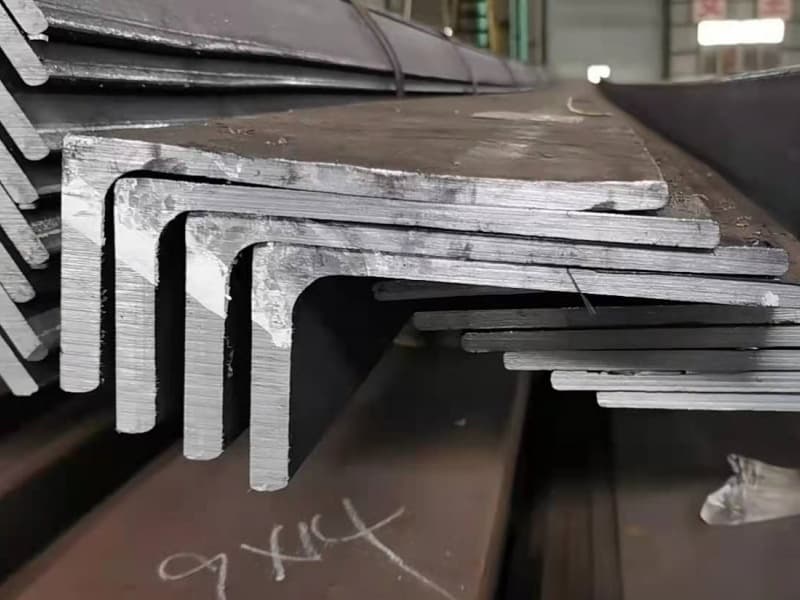
The phased order that saved $15,000 in holding costs
A shipyard in Malaysia used to order all 400 tons of L‑sections for each vessel at once. The steel sat for 2‑4 months. They paid $15,000 in extra holding costs (interest, space, rust cleaning). Then they switched to phased ordering. They ordered 100 tons every 3‑4 weeks, matched to hull, deck, and superstructure phases. Holding costs dropped to $4,000 per vessel.
So let me explain how to set up JIT for L‑sections.
First, map your fabrication phases and the L‑sections needed in each.
| Phase | Weeks | L‑Sections Needed | Approx. Tons | Order Lead Time (days) | Order Week |
|---|---|---|---|---|---|
| Hull block assembly | 2‑6 | L100x100x10, L125x125x12 | 60 | 30 | Week 0 (4 weeks before phase start) |
| Hull joining | 6‑10 | L100x100x10, L150x150x15 | 50 | 30 | Week 4 |
| Deck | 10‑14 | L75x75x8, L100x100x10 | 40 | 30 | Week 8 |
| Superstructure | 14‑18 | L75x75x8, L125x125x12 | 35 | 30 | Week 12 |
Second, work with a supplier who can handle phased deliveries. Not all suppliers can.
| Supplier Capability | Needed for JIT |
|---|---|
| Holds stock of common sizes | Yes – otherwise each phase becomes a new production run |
| Ships partial containers | Yes – you do not need a full 25‑ton container every time |
| Accepts rolling forecast | Yes – you give 4‑8 week forecast, they ship on schedule |
| Communicates early if there is a delay | Yes – so you can adjust your phase schedule |
I offer all of these. My JIT clients give me a rolling forecast. I ship every 2‑4 weeks.
Third, the cost difference: bulk vs phased ordering.
| Cost Factor | Bulk Order (400 tons once) | Phased Order (4 × 100 tons) |
|---|---|---|
| Average inventory held | 400 tons for 2 months | 100 tons average |
| Holding cost (15% per year, $700/ton) | 400 × 700 × 0.15 × (2/12) = $7,000 | 100 × 700 × 0.15 × (2/12) = $1,750 |
| Rust risk | High (steel sits long) | Low |
| Yard space occupied | Full | 1/4 full |
| Freight cost | Lower (full containers) | Higher (LCL fees) |
| Net difference | Phased often saves $3‑5k per vessel despite higher freight |
Fourth, how to start JIT without risk. Begin with one vessel as a trial.
- Phase 1: Order 4 weeks of steel. Watch how it goes.
- Phase 2: Adjust timing and quantities.
- After 2‑3 vessels, you will have a reliable JIT schedule.
Your JIT checklist
- You have a detailed fabrication phase schedule
- Your supplier can hold stock and ship partial deliveries
- You give a rolling 8‑week forecast
- You start with a trial vessel before committing all projects
I help my clients set up JIT. It takes 2‑3 months to fine‑tune, then it runs smoothly.
Why Is Workshop Layout and Tool Preparation Critical for Smooth L‑Section Handling and Assembly?
The steel arrives. Your team moves it three times before cutting. Layout is poor.
A good workshop layout puts the steel receiving area close to the cutting station, with clear paths for forklifts. Tool preparation means checking saw blades, measuring tools, and welding jigs before the steel arrives. This reduces material handling and waiting time.
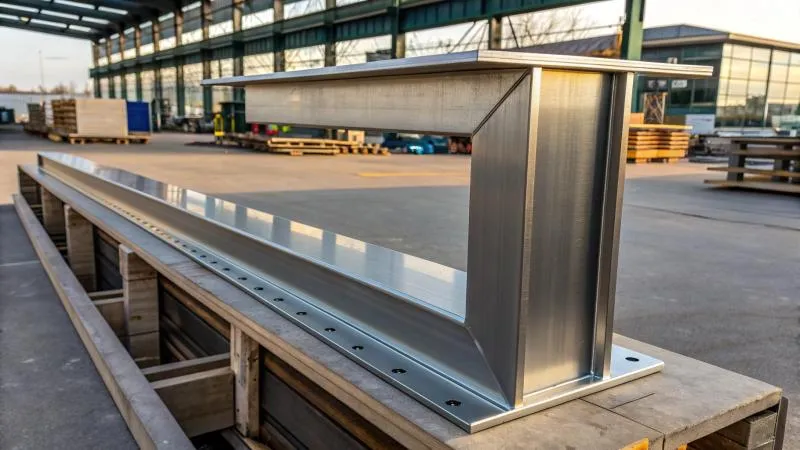
The layout that cut handling time by 40%
I visited a yard in the Philippines. Their steel received at one end. The saw was at the other end. Every bundle of L‑sections was forklifted 200 meters across the yard. That took 15 minutes per bundle. Then they rearranged the layout. They put the saw next to the receiving bay. Handling time dropped to 5 minutes per bundle. They saved 2 hours per day.
So let me show you the principles.
First, the ideal L‑section material flow.
| Station | Location | Activity |
|---|---|---|
| Receiving bay | Near yard entrance | Unload truck, visual inspection |
| Storage racks (optional) | Between receiving and saw | Only if you keep safety stock |
| Saw station | Next to receiving (or within 10 meters) | Cut to length |
| Welding assembly area | After saw | Fit and weld |
Minimize the distance steel travels between steps.
Second, tool preparation – the 15‑minute morning check.
| Tool | What to Check | Frequency |
|---|---|---|
| Band saw blade | Sharpness, tension | Daily |
| Measuring tape | Calibration (check against a ruler) | Weekly |
| Caliper | Zero setting | Daily |
| Welding jigs | Alignment, wear | Weekly |
| Forklift | Hydraulic fluid, tire pressure | Daily |
A dull saw blade cuts slower and produces rough edges. A miscalibrated tape measure leads to wrong cut lengths. These small things add up to hours of lost time.
Third, workstation organization for L‑sections. Keep only the size you are currently cutting at the saw. Put the next size on a roller table or rack within arm’s reach.
Fourth, the impact of poor layout and tool prep.
| Problem | Time Lost per Day | Annual Cost (250 days, $50/hour labor) |
|---|---|---|
| Long material travel | 1 hour | $12,500 |
| Tool hunting (where is the tape measure?) | 30 minutes | $6,250 |
| Saw blade change (dull blade) | 20 minutes (plus slower cutting) | $4,000 |
| Re‑cutting due to wrong length | 30 minutes | $6,250 |
| Total | 2+ hours | $30,000+ |
Most of these are free to fix. Just better organization.
Your workshop layout checklist
- L‑sections move from receiving to saw in less than 20 meters
- Tools have designated places and are checked daily
- Cut lists are posted at the saw (not in the office)
- Only one size at the saw at a time
I have seen shipyards double their cutting output just by reorganizing the saw area. No new machines. No new people. Just better planning.
Conclusion
Standardize sizes, use accurate BOMs, phase orders with JIT, and organize your workshop. That is how you improve project efficiency with L‑section planning.