
You ordered marine steel plates based on design drawings. But the yard just told me they do not fit. Now what?
Good coordination between design, purchasing, and the yard means that plate orders match real cutting needs. Late changes, missing updates, and no shared tracking system cause mismatches. Regular cross‑functional meetings and a digital plate tracking system fix this.
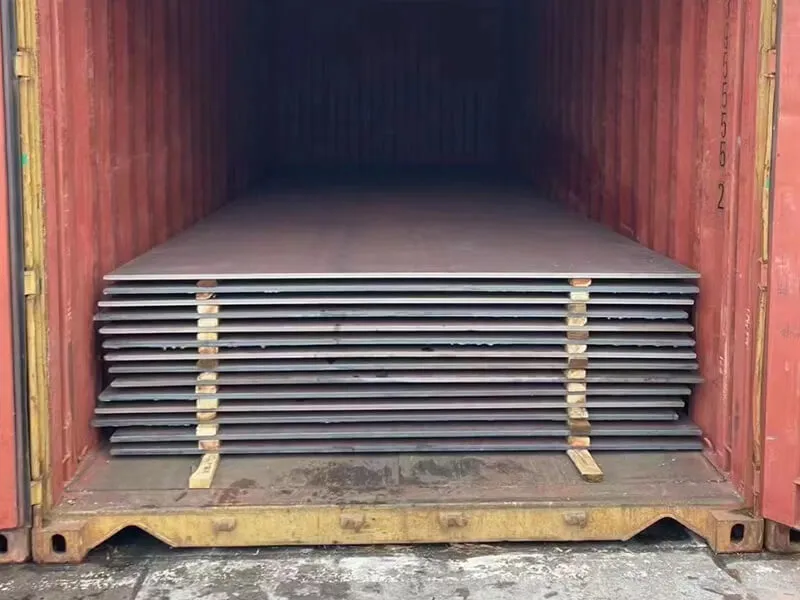
I have worked with marine steel for over ten years. I have seen how small mistakes in communication can turn into big problems. Let me walk you through four common questions. Each one will help you understand how to keep design, buying, and production on the same page.
How Does Late Design Changes Create Mismatches Between Plate Orders and Actual Yard Requirements?
You change one dimension in the design software. Then the yard calls you because the plates already arrived are the wrong size.
Late design changes create mismatches because purchasing already ordered plates based on old nesting plans. The yard then receives steel that does not fit the updated cutting layout. This leads to waste, rework, and project delays.
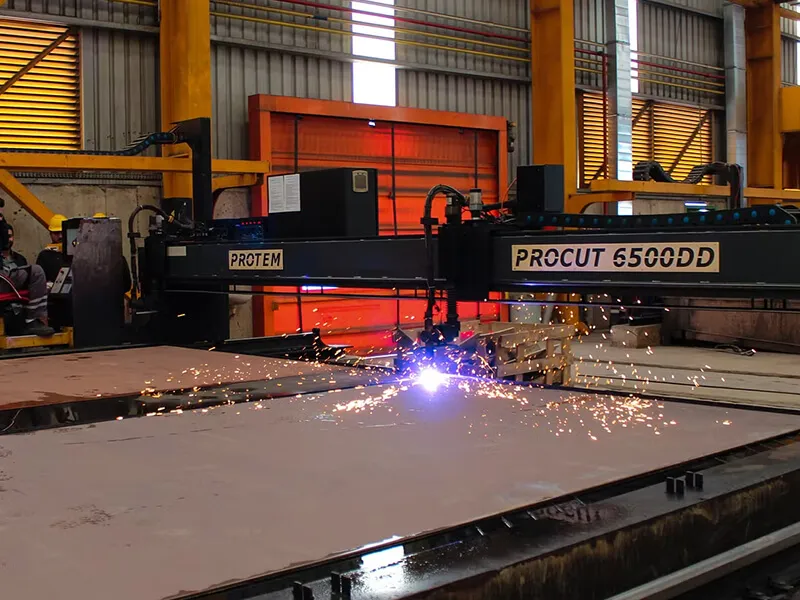
I remember a project from last year. A customer in Vietnam ordered marine steel plates for a bulk carrier. The design team made a small change to the hull curvature. That change was only 15 millimeters. But nobody told purchasing in time. The plates were already cut and shipped from our warehouse in Liaocheng. When they arrived at the yard, the workers could not fit them. The whole batch had to be sent back.
This is more common than you think. Let me break down why late changes hurt so much.
Three main reasons why late design changes cause mismatches
| Reason | What happens | Real impact |
|---|---|---|
| Order lead time | Plates take 2–4 weeks to produce and ship | Design changes after order placement cannot be undone |
| Nesting plans are fixed | Cutting layout uses exact plate dimensions | Even a 10 mm change makes old nesting useless |
| No automatic update system | Someone has to manually inform purchasing | Human error means information gets lost |
The worst part is that most late changes are small. Engineers think a tiny adjustment will not hurt. But in shipbuilding, every millimeter matters. A marine steel plate is not like a piece of wood you can trim on site. Once the mill rolls it to a specific thickness, width, and length, you cannot change it. You can cut it shorter, but you cannot make it longer or wider.
So what happens at the yard? The workers have two choices. First, they can try to force the plate into place. That creates stress points and weakens the hull. Second, they can cut a new plate from a larger size. That wastes steel and money. Neither option is good.
From my experience as a supplier, I always advise my customers to freeze the design before ordering plates. I tell them: “If you think you might change something, wait. Order small samples first.” But many project managers want to save time. They order plates early. Then changes come. And suddenly everyone is angry at each other.
The real solution is not to stop changes. Changes happen. The solution is to build a communication bridge between design, purchasing, and yard. That bridge must be fast and clear. When design makes a change, purchasing needs to know within one hour. The yard needs to know how the change affects plate sizes. Without this, mismatches are guaranteed.
What Communication Loops Ensure Purchasing Orders Reflect the Latest Nesting and Cutting Plans?
Your purchasing team sends an order for 200 tons of marine steel. But the nesting plan was updated yesterday. Now the order is wrong.
Closed communication loops mean that every nesting plan update automatically triggers a purchasing order review. Design sends the latest cutting files to a shared folder. Purchasing checks that folder before placing any order. The yard confirms receipt of the updated plan.

Let me tell you about a customer in Pakistan. They are a marine steel wholesaler. Last year, they had a problem. Their design team worked in one office. Their purchasing team worked in another building. The yard was three kilometers away. They used email to share nesting plans. But emails got lost. People forgot to hit “reply all”. One time, design sent a new nesting plan on Friday afternoon. Purchasing did not see it. On Monday morning, they placed an order based on the old plan. The yard received the plates two weeks later. Nothing fit.
This is a classic example of an open loop. Information goes out but nobody confirms it was received and acted upon. So what does a closed loop look like? I will break it down into three simple steps.
The three steps of a closed communication loop for nesting plans
-
Design pushes the latest nesting plan
Every time nesting is updated, the designer saves it to a central digital folder. That folder has a time stamp. The software automatically sends a notification to purchasing and yard managers. -
Purchasing confirms receipt and reviews
Purchasing has a rule: no order is placed without checking the latest nesting plan in that folder. They open the file, compare the plate list with the order draft, and then click “confirmed” in the system. -
Yard provides feedback
The yard team looks at the nesting plan and the cutting schedule. They tell purchasing if any plate size looks unusual. For example, a 12‑meter plate might be too long for their cutting machine. That feedback goes back to design before the order is placed.
I have seen many companies skip step two or three. They think the email is enough. But email is not a loop. It is a one‑way street. A true loop means every action gets a response. When design pushes a new nesting plan, purchasing must respond within 24 hours. If they do not, the system escalates to a manager.
In my own business, I use a simple shared Google Sheet with my regular buyers. They tell me their nesting plan version number before I confirm the order. I ask: “Is this the latest one? Has the yard seen it?” That small question has saved my customers thousands of dollars.
Another practical tip: use a numbering system for nesting plans. For example, NEST‑V3.2. Every time you change the plan, the number changes. Purchasing only orders against the highest version number. The yard only cuts plates from that same version. This sounds simple, but you would be surprised how many companies use vague file names like “final_nesting_rev2_FINAL”.
So closed loops are not complicated. They just need discipline. Design pushes. Purchasing checks. Yard confirms. No exceptions.
How Can a Shared Plate Tracking System Improve Coordination Among Design, Procurement, and Production?
Design orders plates. Procurement buys them. Production cuts them. But nobody knows where each plate is. That is a problem.
A shared plate tracking system gives everyone real‑time visibility. Design sees which plates are already ordered. Procurement sees which plates are at the yard. Production sees which plates are still on the ship. This stops duplicate orders and shortages.
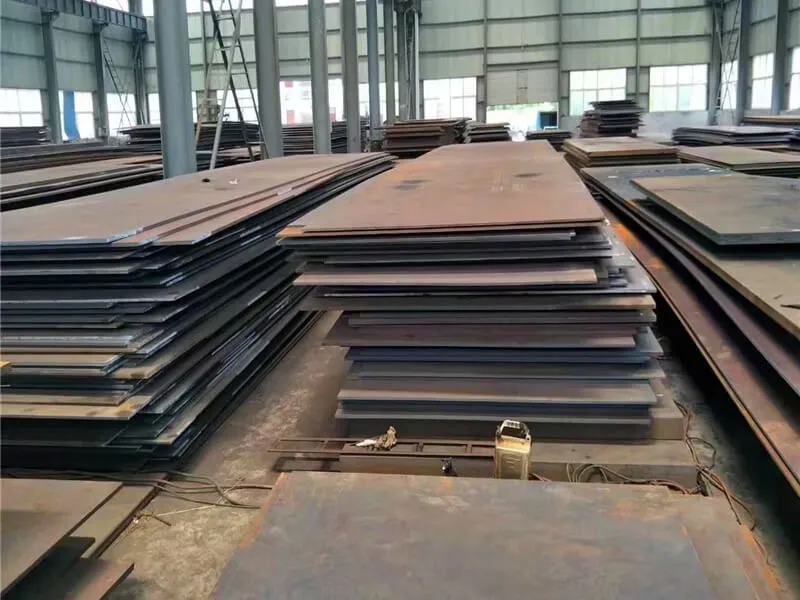
I work with a distributor in Mexico. They buy marine angle steel and bulb flat steel from me. Before they used a shared tracking system, they had a mess. The design team requested 50 pieces of a certain plate size. The purchasing team ordered them from me. But the yard also ordered the same plates from a local supplier because they did not know purchasing already placed the order. Double order. Waste of money.
Then the opposite happened. A different project needed 30 plates. Nobody ordered them because each team thought the other team was responsible. Shortage. Production stopped for three days.
These problems come from one simple issue: silos. Each department keeps its own records. Design uses a spreadsheet. Purchasing uses an ERP system. The yard uses paper notes. None of these talk to each other.
A shared plate tracking system fixes this. I am not talking about expensive software. You can start with a simple cloud‑based tool like Airtable or even a well‑structured Google Sheet. The key is that everyone writes to and reads from the same source.
What a basic shared tracking system should include
| Column | Who updates it | Why it matters |
|---|---|---|
| Plate ID (unique number) | Design | Every plate gets a number from the nesting plan |
| Dimensions and grade | Design | Purchasing uses this to order from supplier |
| Order status (not ordered / ordered / shipped / received) | Purchasing | Yard knows what is coming |
| Expected delivery date | Purchasing | Production can plan cutting schedule |
| Yard location (warehouse / cutting table / installed) | Production | Design knows if plate is available for rework |
| Quality check status | Production | No one uses a plate that failed inspection |
When I ship marine steel plates to a customer, I give them a packing list with every plate number. That list matches their nesting plan. If they have a shared tracking system, they can enter my shipment data directly. Then the yard sees: “Oh, plate A‑123 arrived yesterday. It is in warehouse bay 4.” No more searching. No more confusion.
I also recommend adding a simple traffic light system. Red means “do not touch this plate – it has a problem.” Yellow means “ordered but not yet arrived.” Green means “ready to cut.” This visual system helps everyone at a glance. A yard foreman does not have time to read long notes. He just looks for green plates.
One more benefit: a shared system reduces emails. How many times have you asked “Did we order this plate?” or “Where is plate XYZ?” That question goes to three people. Each person spends ten minutes looking. That is 30 minutes of lost time. With a shared system, you look for yourself in five seconds.
So start small. Pick one project. Create a shared tracking sheet. Train design, purchasing, and yard to use it for two weeks. You will see the difference immediately.
Why Are Regular Cross‑Functional Meetings Critical to Avoid Over‑Ordering or Steel Shortages at the Yard?
You have a tracking system. You have communication loops. But plates still go missing. Why? Because nobody talks face to face.
Regular cross‑functional meetings prevent over‑ordering and shortages because they catch small issues before they grow. Design, purchasing, and yard meet every week for 30 minutes. They review plate status, upcoming changes, and potential risks.
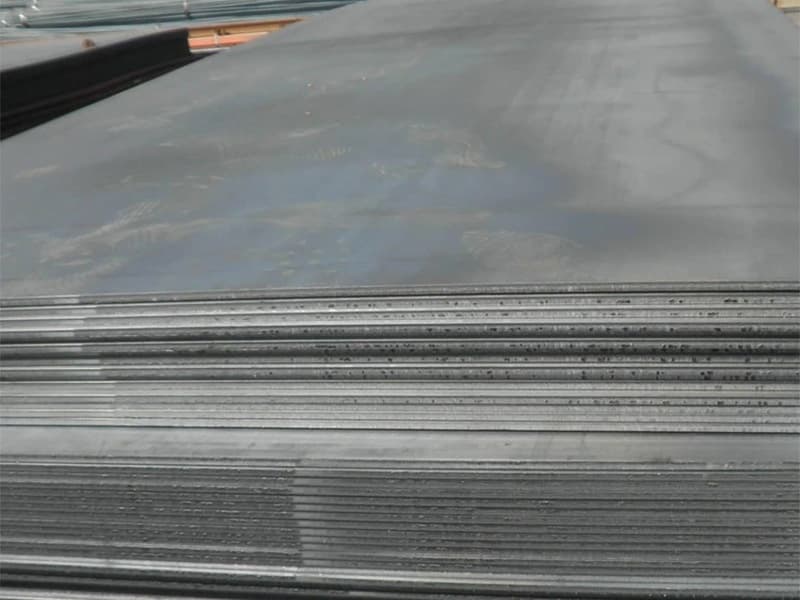
I have a customer in Saudi Arabia. They are a project-based distributor. They buy marine steel plates and angle steel from me. Last year, they had a problem with over-ordering. They ordered 500 tons of plates for a project. But when the plates arrived, the yard only needed 450 tons. The extra 50 tons sat outside for six months. They rusted. The customer lost about $15,000.
How did this happen? The purchasing team saw a “safety stock” number in their system. That number came from an old project. The yard never told them the real requirement had gone down. The design team changed some plate sizes, which reduced total tonnage. But nobody told purchasing.
This is where cross‑functional meetings come in. A 30‑minute weekly meeting would have caught this. Let me give you a simple meeting structure that works.
The 30‑minute weekly coordination meeting agenda
| Time | Topic | Who leads | What to cover |
|---|---|---|---|
| 5 min | Review last week’s actions | Project manager | Did we do what we said we would do? |
| 10 min | Plate order status | Purchasing | What is ordered? What is in transit? What arrived? |
| 10 min | Nesting and cutting plan changes | Design | Did any plate sizes or quantities change? |
| 5 min | Yard feedback | Yard foreman | Any shortages? Any extra plates? Any quality issues? |
That is it. No long presentations. No fancy slides. Just honest updates.
I have sat in many of these meetings with my customers. I join by video call because I am in China. The most effective meetings have three rules. First, no blame. The goal is to find problems, not punish people. Second, every action item has one owner and one deadline. Third, the meeting ends with a five‑minute recap.
Here is a real example. Two months ago, one of my customers in the Philippines had a meeting. The yard foreman said: “We have 20 plates of size 12×2.5 meters in stock. But our updated nesting plan only needs eight plates of that size.” The purchasing manager immediately called me. I stopped the next shipment. We changed the order from 20 plates to 8 plates. Saved them from over-ordering 12 plates. That is about $8,000 saved in a five‑minute conversation.
Without that meeting, the yard foreman would have kept quiet. He would have thought “not my job.” The purchasing manager would have kept ordering based on old numbers. The plates would have arrived and rusted.
Some people say meetings are a waste of time. I agree if the meeting is bad. But a focused 30‑minute cross-functional meeting is one of the best investments you can make. It costs 30 minutes of three people’s time. That is 1.5 working hours per week. In return, you avoid thousands of dollars in waste.
For my customers who are far away, I even help them set up these meetings. I tell them: “Invite me once a month. I will tell you what your ordering pattern looks like. I will warn you if you are buying too much or too little.” That extra layer of communication has saved many projects.
So do not skip the meetings. Put them on the calendar. Same day, same time, every week. Make it a habit. Your yard will stop having surprises. And your budget will thank you.
Conclusion
Good coordination between design, purchasing, and the yard saves steel, money, and time. Start with small meetings and a shared tracking system.